


Adding frequency information to your listing is super simple. Go to the Scenic Listings Manager and find your route.
Go to “Timetable” > “Frequency” to edit the frequency information. You’ll see a form like this:
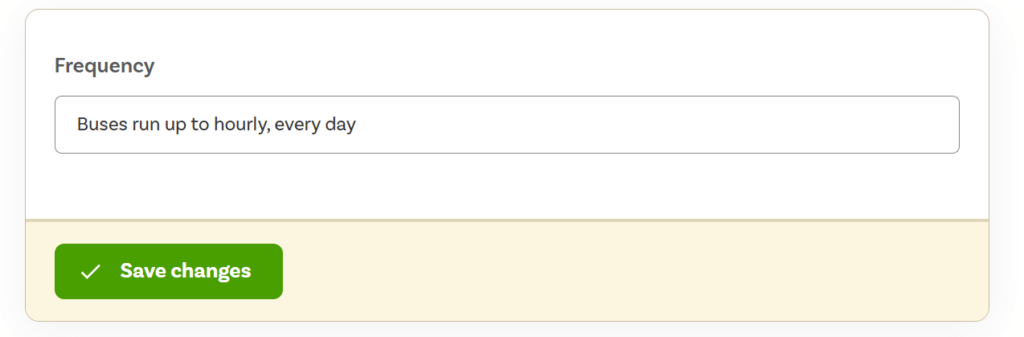
What should it say?
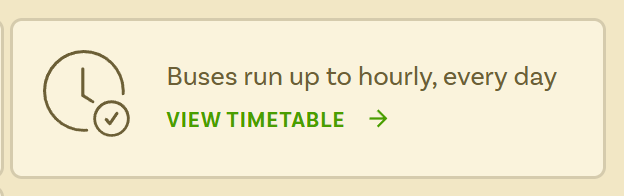
Keep it short and simple. This information is shown in a little block on the route listing (see below) so you should keep it to 10 words or fewer.
If your frequency varies — for example, more services at weekends or during summer — use your marketing description to give passengers more detail.
Leave a Reply